Workshop-tools
A downloadable tool for Android
🧰 Workshop Tools – The All-in-One Management App for Your Workshop
Workshop Tools is a smart and practical management app designed for workshops, electricians, and small teams that want to stay organized and efficient.
🔹 Core Features
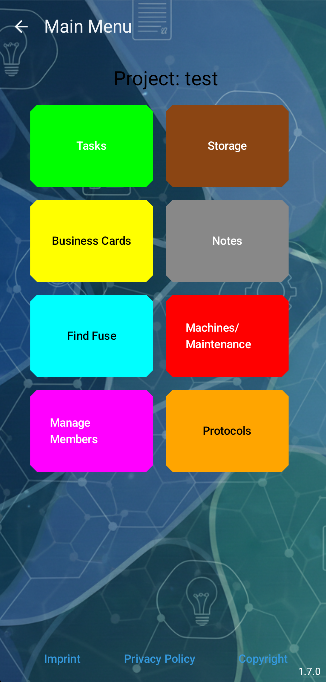
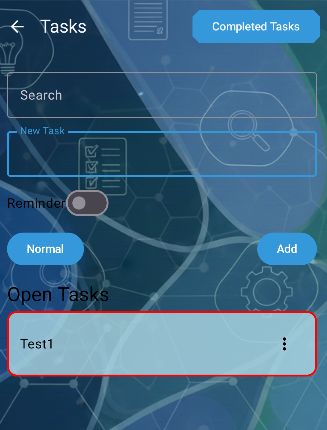
- Project Management: Create and manage projects easily. Each project has its own task list — add, edit, or delete tasks and move them between active and completed sections.
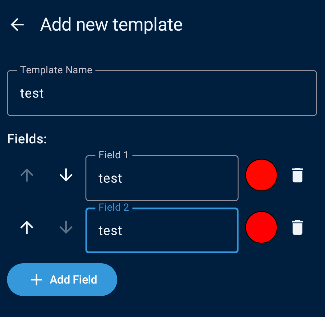
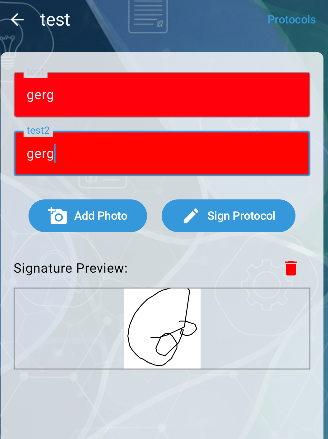
- Protocols & Documentation (PDF Export): Create professional reports and protocols directly within the app. Use the integrated spreadsheet-style entry for technical data, add photo documentation, and capture digital signatures. Everything can be exported as a professional PDF document.
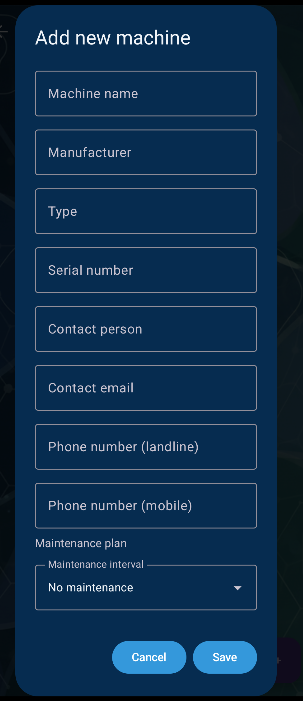
- Machine & Maintenance Management: Keep a digital log of all your machines and equipment. Track maintenance schedules, document repairs, and ensure all tools meet safety and performance standards.
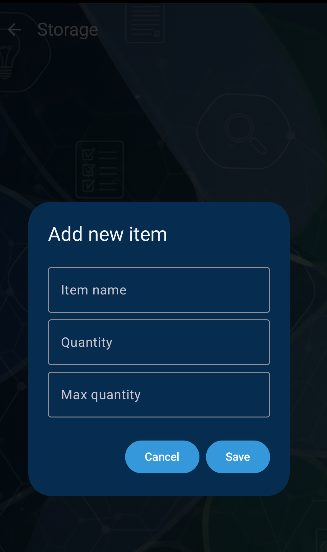
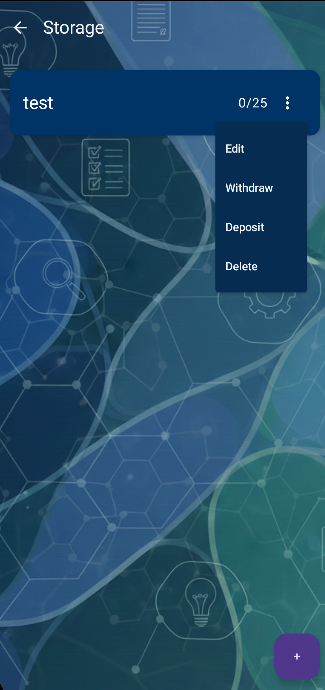
- Inventory System: Keep track of all tools and materials by name, description, and quantity. When something is used, just deduct it — your stock always stays up to date.
- Fuse Finder System: Record all your electrical fuses, distributors, and power lines within your workshop or company. When there’s an electrical issue (e.g., a socket without power), the search system instantly tells you which fuse and which distribution box it belongs to.
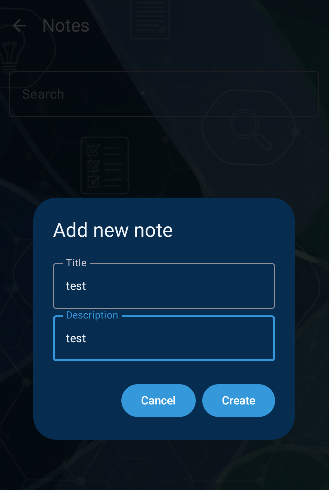
- Business Cards & Notes: Store client, supplier, or partner contacts as digital business cards. Use the notes menu for reminders, checklists, or quick information.
- Team Collaboration & Flexible Roles: Invite coworkers to your workspace. Everyone can see updates in real time. Project leaders can define permissions — who can read, create, edit, or access specific areas like the inventory or protocols.
Try it now – free and browser-based: 👉
Download
Install instructions
📲 How to install the Workshop Tools App (.apk)
- Download: Click the download button next to the
.apkfile and save it to your Android device. - Enable Installation: Since this app is not from the Google Play Store, your phone might show a security prompt. Go to your phone's Settings > Security (or Privacy) and enable "Install from Unknown Sources".
- Note: On newer Android versions, you just need to allow your browser or file manager to install apps when prompted.
- Install: Open your "Downloads" folder, tap the
Workshop-Tools_v1.7.1.apkfile, and select Install. - Launch: Once finished, you can find the app in your app drawer and start organizing your workshop!
Using the Web Version? If you prefer to use the tool in your browser, simply visit:
Leave a comment
Log in with itch.io to leave a comment.